

The reason why the headset logo is difficult to disappear may be caused by several factors such as errors in software, hardware and others. This time we will try one of the tips using the lesser audio switch application to remove the headset logo on the Infinix smartphone (this tutorial uses the Infinix zero 8):
1. Install application lesser audio switch
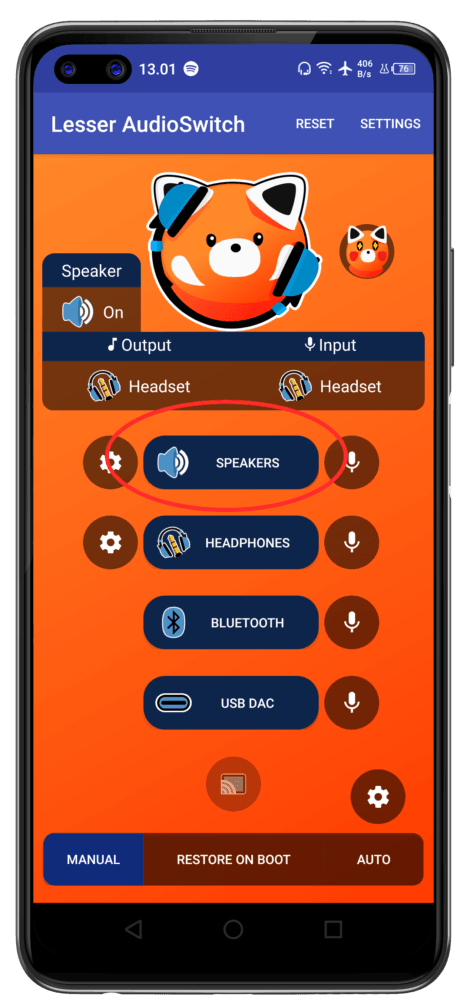
2. Open the application, and select speakers (try not to tap other buttons, apart from speakers, to avoid other errors)
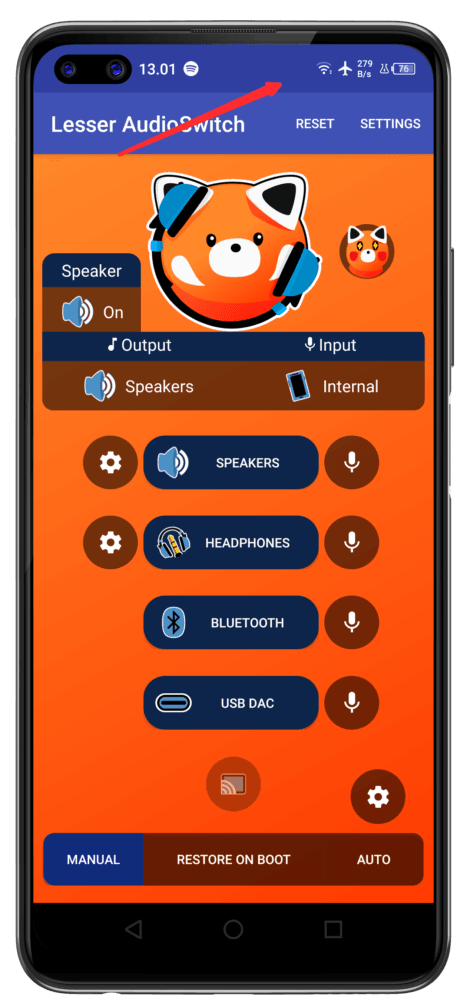
3. Now the headset logo is gone
Keep in mind that Lesser AudioSwitch may have different features depending on the latest update, so always check the user guide or the app’s official documentation for more information.