
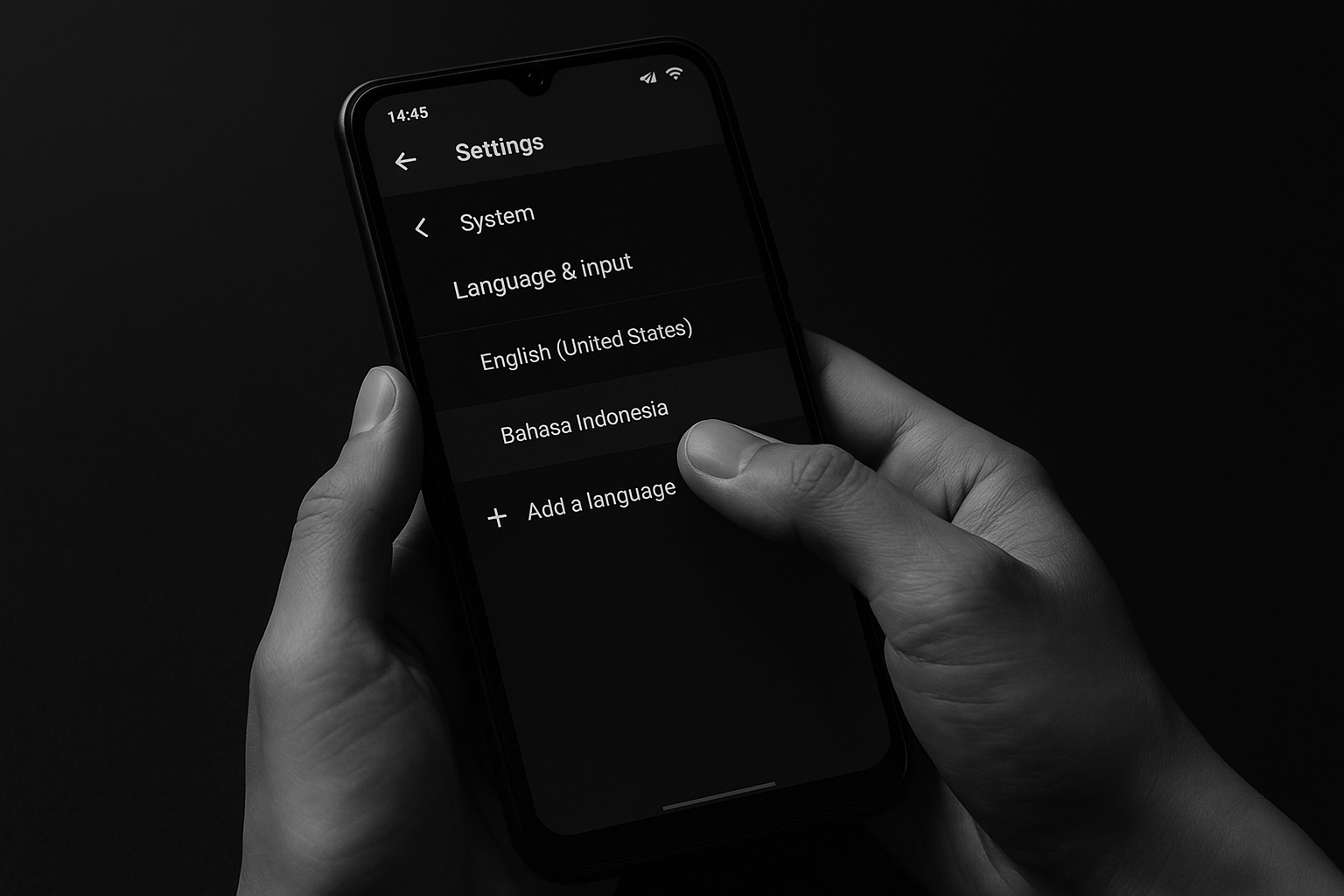
Changing the language on your Infinix smartphone is quick and simple.
- First, open the Settings app on your Infinix device. Scroll down and look for System (or sometimes Additional Settings), then tap Language & Input. Inside this menu, choose Languages.
- Next, tap Add a Language and select Indonesian (or whichever language you prefer). Once selected, drag it to the top of the list to make it the default language. Your phone’s menus and options will immediately switch to the new language.
This method works on most Infinix models and doesn’t require any technical skill—just a few easy taps in the settings. After following these steps, your phone will display everything in the language you choose, making it easier to use daily.
Source: Berlian Selnovik YouTube Channel