
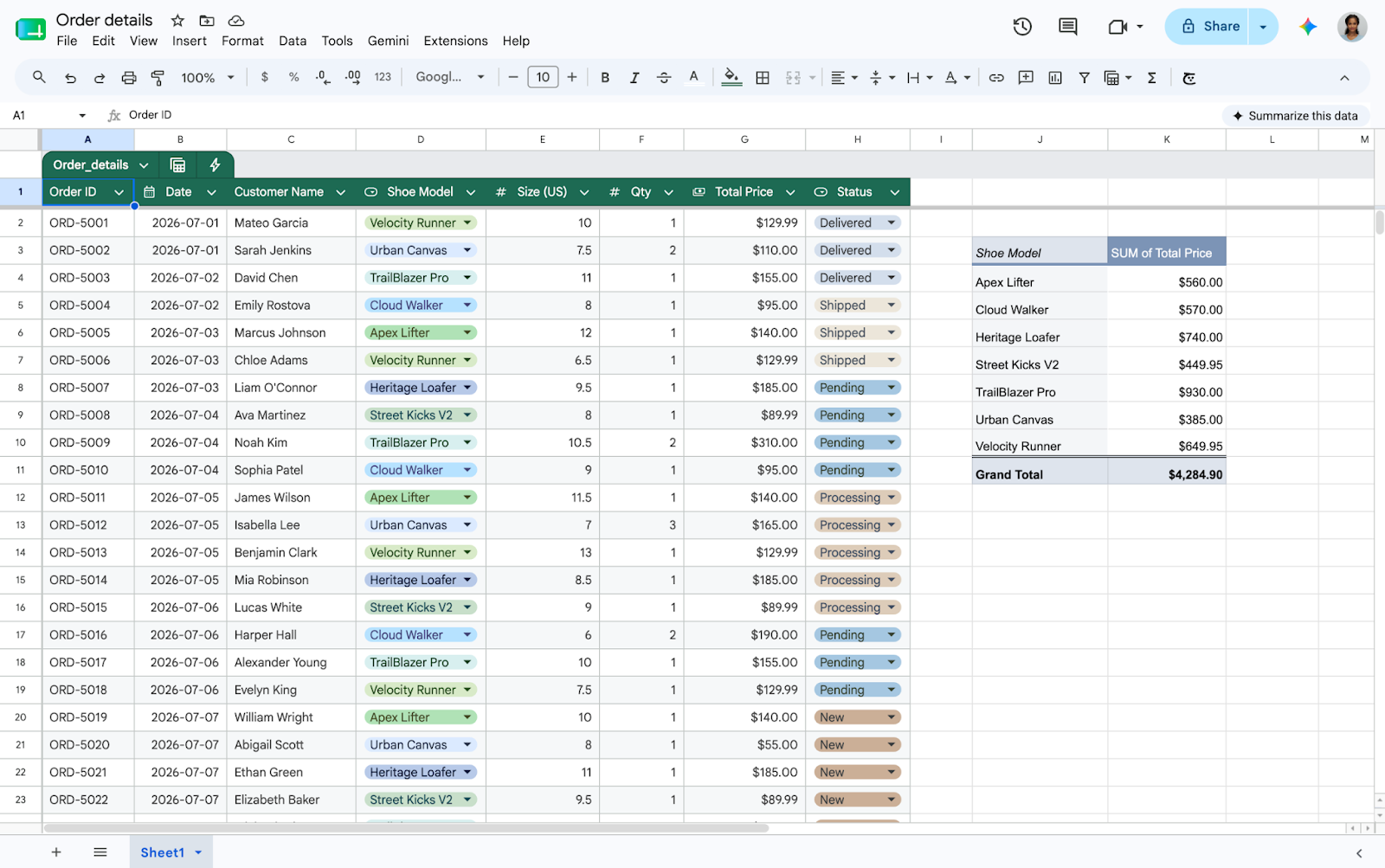
Google officially announced significant updates to Google Sheets on August 11, 2026, to improve cross-platform compatibility. The announcement, shared via the Google Workspace Updates blog, focuses on enhancing the file importing process from Microsoft Excel to Google Sheets. This update is crucial for professionals who frequently transition between different spreadsheet environments, as it addresses long-standing formatting and data structure issues during file conversion.
The update introduces two major features: seamless conversion of Excel tables into native Sheets tables and full support for linked pivot tables. Previously, imported Excel tables often lost their structural benefits, and pivot tables were converted into static, non-functional grids. These new capabilities ensure that complex data structures and formatting remain intact, allowing users to leverage automated formatting and structured references immediately after importing their documents.
From a technical perspective, the implementation integrates Excel’s table ranges directly into the Google Sheets architecture without requiring manual reconstruction. The rollout for table imports is already active for all users, while linked pivot table support follows a gradual deployment schedule starting August 11, 2026. This enhancement is available to all Google Workspace customers and personal account holders, providing a more robust toolset for data analysts and administrative staff globally.
This expansion is expected to have a profound impact on productivity by reducing the time spent on manual data cleanup after file transfers. By bridging the gap between major spreadsheet platforms, Google is fostering a more flexible digital workspace that prioritizes data integrity and user experience. Moving forward, this initiative likely signals further integration efforts to ensure that sophisticated data models remain functional regardless of the specific software used by different teams.
Source: Google blog