
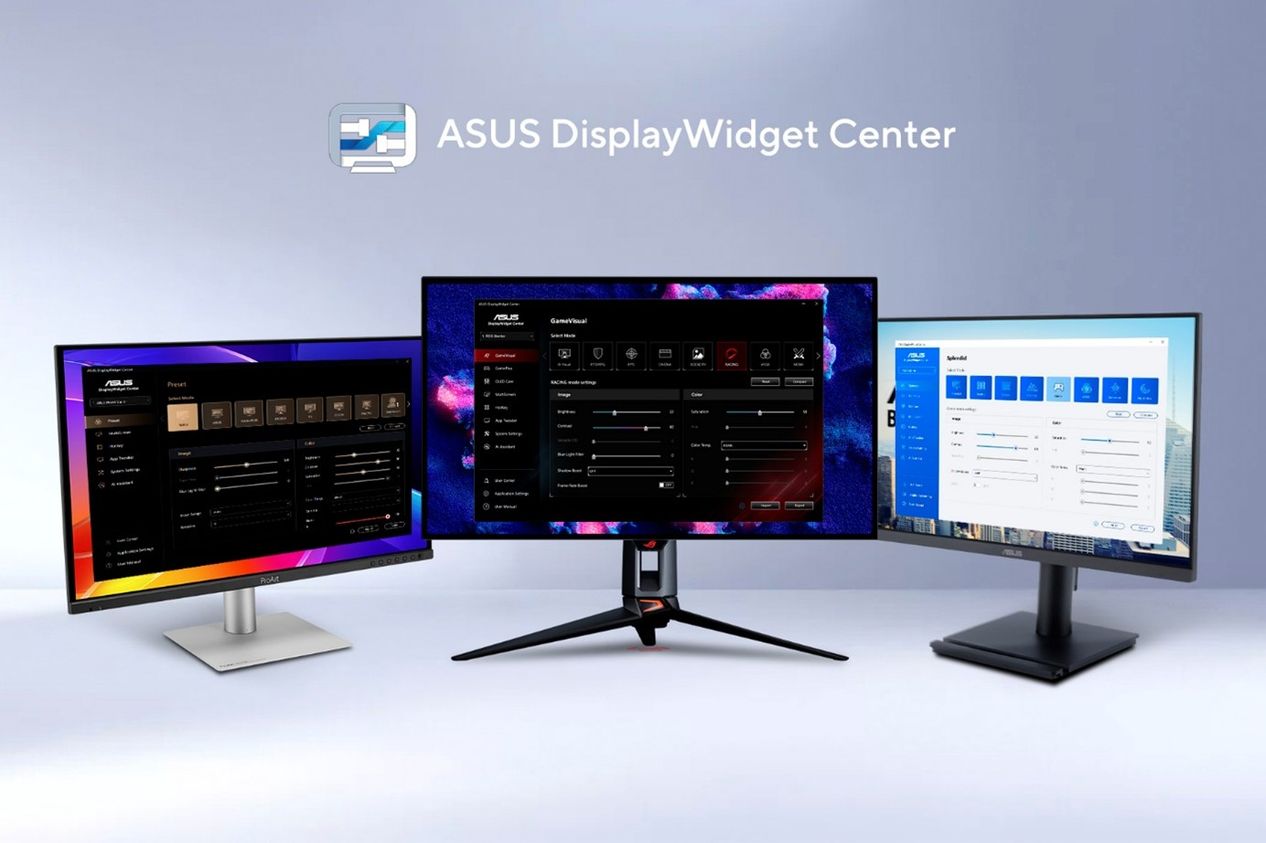
ASUS officially announced a major update to its DisplayWidget Center monitor management software on August 6, 2026 through its official pressroom. The announcement, issued from the company’s Taipei headquarters, marks the software’s entry into the AI agent era by introducing natural-language display controls alongside deeper personalization features. The update is significant because it represents one of the first mainstream hardware manufacturers to give AI assistants direct command over physical monitor settings, a shift that could redefine how people interact with their displays in gaming, creative, and business environments.
The headline addition of this release is a pair of AI agent-ready controls: the ASUS Display Control Command Line Interface (CLI) and Agent Skill, which together let compatible AI agents adjust brightness, color mode, color temperature, and OLED Anti-Flicker through a single natural-language request. A single command can configure multiple settings at once on compatible ASUS monitors, eliminating the need to navigate physical monitor buttons or on-screen menus. The agent can even learn from past usage habits to recommend higher refresh rates for competitive gamers, or check the user’s calendar and automatically switch between a bright morning profile and a warmer, dimmer evening profile before bedtime. Two further AI-powered features complement these controls: AI Visual reads on-screen content in real time to apply the most suitable visual mode on compatible ROG and TUF Gaming monitors, while AI Assistant accepts text and voice input to adjust settings and answer product questions.
Official details indicate the update is a free download available on Windows 11 or later and macOS for compatible ASUS and ROG displays. The CLI executes monitor-control commands locally on the workstation, while the AI agent translates user intent into supported actions, and the agent must support custom Markdown skill files and shell command execution. In enterprise environments, IT teams can deploy the CLI through endpoint-management platforms such as Microsoft Intune to adjust settings across multiple displays. The release also upgrades App Tweaker profiles that automatically switch image and color settings based on the active application, expands OLED Care with Boundary Detection, Outer Dimming Control, Global Dimming Control, and Pixel Cleaning, and adds gaming, creator, and business features such as GamePlus hotkey access, ColorSync across identical displays, MacBook Brightness Control, and ZenScreen Auto Rotation. ASUS extended the software’s reach beyond monitors to include ROG XREAL R1 AR glasses and the ProArt CaliContrO MCA02 calibrator from the same interface.
The impact of this update reaches across user segments and points to a broader industry trend. Everyday users benefit from eye-care tools like Blue Light Filter, Color Augmentation, and Rest Reminder that make long screen sessions more comfortable, while gamers and creators gain workflow efficiency that previously required manual calibration. For the industry, ASUS’s move signals that peripheral and display software is becoming an entry point for agentic AI, likely encouraging rival manufacturers such as Dell, LG, and Samsung to expose their own monitor settings to AI assistants. Going forward, ASUS may deepen ecosystem integration across its AR glasses, calibrators, and displays, and further expand CLI capabilities as AI agent platforms mature, positioning DisplayWidget Center as a unified control hub for the company’s entire visual hardware lineup.
Source: Asus Press Release